
Superer 65W USB C Laptop Charger for Lenovo ThinkPad Review
My take on the Superer 65W USB C laptop charger for Lenovo ThinkPad after using it as my travel backup cord for a while.
This post contains affiliate links. I may earn a commission at no extra cost to you.
Quick Verdict
I forgot my ThinkPad cord one too many times on the road, and this Superer 65W USB C laptop charger fixed that for a fraction of the Lenovo price. It plugs into the power brick, clicks right into the USB-C port, and voila, power. I keep it in my computer bag and don’t leave home without it.
Buy if you:
- Keep forgetting your ThinkPad cord when you travel
- Want a cheap backup charger to leave in your bag
- Own a Lenovo with a USB-C charging port
- Don’t want to drop a hundred bucks on the original
Skip if you:
- Want the exact Lenovo-branded brick with no third-party involved
- Have a ThinkPad that charges through a barrel plug, not USB-C
- Need more than 65W for a power-hungry workstation laptop
Clicking takes you to the seller's website. We may earn a small commission if you purchase, at no extra cost to you.
| Output | 20V 3.25A 65W |
|---|---|
| Input | 100-240V |
| Connector | USB-C |
| Includes | Charger + power cable |
| Warranty | 24 months |
The Backup Cord I Should Have Bought Years Ago
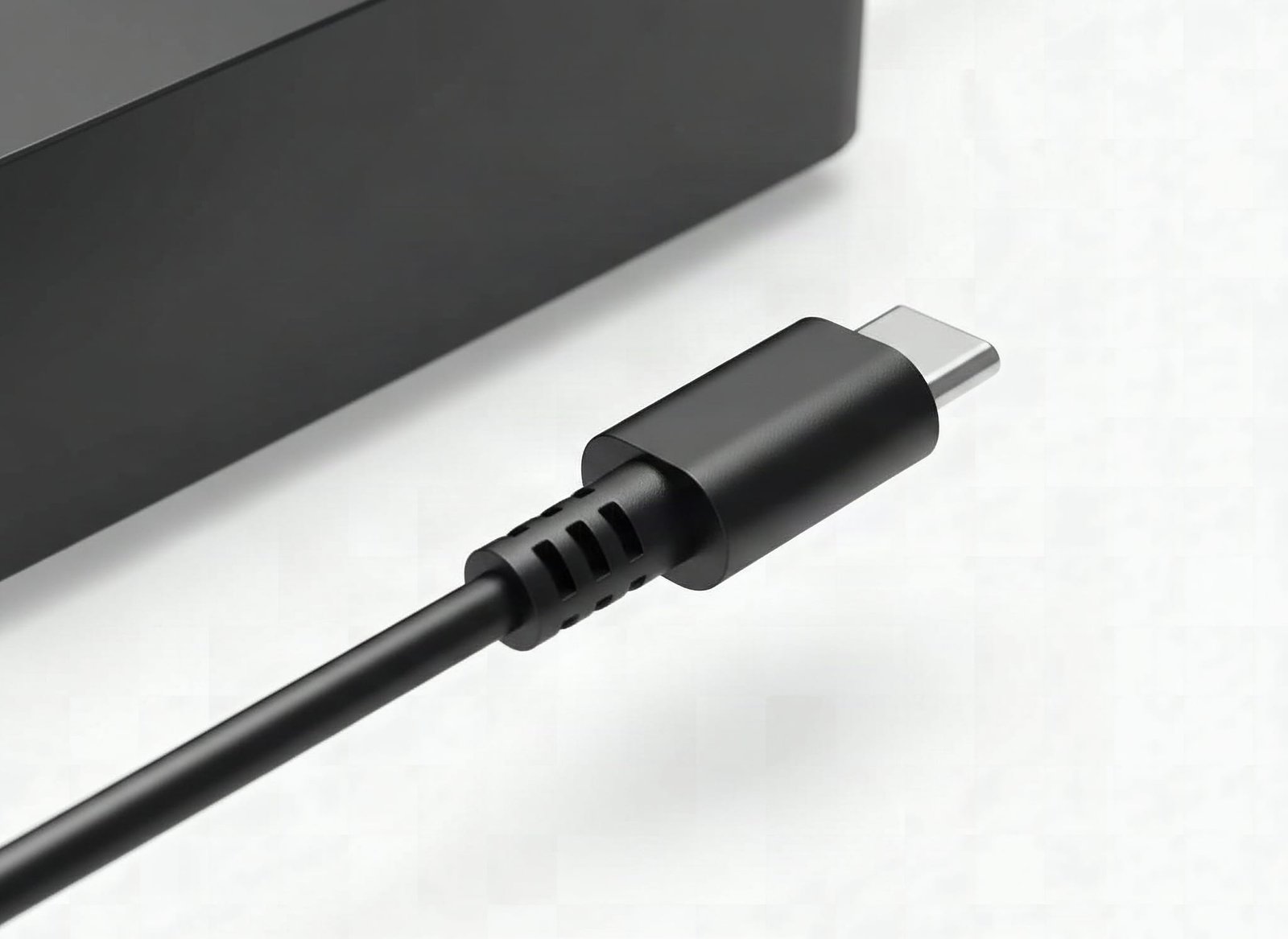
This one was a long time coming. I’ve been on the road, visiting someone, or just out with my ThinkPad more times than I want to admit, and I forgot my power cord. Every single time. So I finally went looking for a usb laptop charger I could leave in my computer bag and stop worrying about, and this Superer 65W USB C replacement solved it. I’ve been using this one for a minute now, and I don’t leave home without it.
The Lenovo-branded 65W USB-C adapter runs well over twice the price of this one. For a cord I leave in a bag and occasionally forget at someone’s house, that math doesn’t work.
What’s In The Box And What It Puts Out
Two pieces: the power brick and a wall cable that plugs into it. The brick pushes 20V at 3.25A, which lands at 65W, and it takes any input from 100 to 240V, so it works whether you’re at home or somewhere with different mains. The end that matters is USB-C, and it fits the ThinkPad without any problem.
Superer lists it as compatible with a long line of Lenovo machines running a USB-C charging port, including ThinkPad X1 Carbon, T14, T15, E14, E15, Yoga 6 and 7, IdeaPad Slim, Chromebook C330 and S330, and the Thinkbook range. It also covers the 45W laptops, so if your machine draws less it still works. The one thing to check before you buy is whether your Lenovo charges over USB-C at all.
Plug In, Click, Voila
Setup takes about five seconds: cable into brick, brick into wall, USB-C end into the ThinkPad. No wiggle, no force, it seated cleanly and the ThinkPad’s charging indicator lit immediately. That’s it.
There’s no app, no pairing, no firmware, nothing to set up. It’s a charger. You plug it in and it charges at 65W. That’s exactly what I wanted from a replacement, and it’s why I regret not grabbing one when I first bought the computer.
The Catch: It’s A Third-Party Brick
It’s not the Lenovo-branded original, and if that bothers you, it’ll bother you here. This is a third-party adapter. It’s cost effective and it charges my ThinkPad fine, but you are trusting a replacement over the factory unit. Superer backs it with a 24-month warranty, which takes some of the sting out, but I’d still call this the practical choice rather than the purist one.
The other thing worth knowing: this only fits Lenovo laptops that charge over USB-C. If your model uses the older barrel-style Lenovo plug, this won’t help you. Check your port before you order.
Get it now
Superer 65W USB C Laptop Charger
Get the best price on Amazon →This post contains affiliate links. I may earn a commission at no extra cost to you.

Who This Is For
Anyone who travels with a ThinkPad and keeps leaving the cord behind. That’s me. This lives in my computer bag now so I always have a backup, wherever I go. It’s also perfect if you just lost or wore out your original and don’t want to pay Lenovo money for a second one.
If you work from a couch, a coffee shop, or bounce between a home office and someone else’s place, having a dedicated travel charger you never unpack from the bag is the fix. I should have done this a long time ago.
Superer vs The Original Lenovo Adapter
The Lenovo-branded 65W USB-C adapter is the safe, expensive default. It’s the factory part, and some people won’t buy anything else. Fair enough. But it costs a lot more for the same 65W USB-C output, and if you keep losing cords like I do, buying two of those hurts.
The Superer wins on price and matches the spec that matters, the 20V 3.25A 65W output over USB-C. Where the original wins is peace of mind and resale-grade branding. For a backup that lives in a bag, I’ll take the cost-effective third party every time. For your one and only daily charger, some people will still want the name on the brick.
Advice Before You Order
Confirm your ThinkPad charges over USB-C first. That’s the one mistake that’ll waste your money. Match the wattage too: this covers both 65W and 45W Lenovo machines, so most USB-C models are fine, but a heavier workstation laptop that wants more power isn’t what this is for.
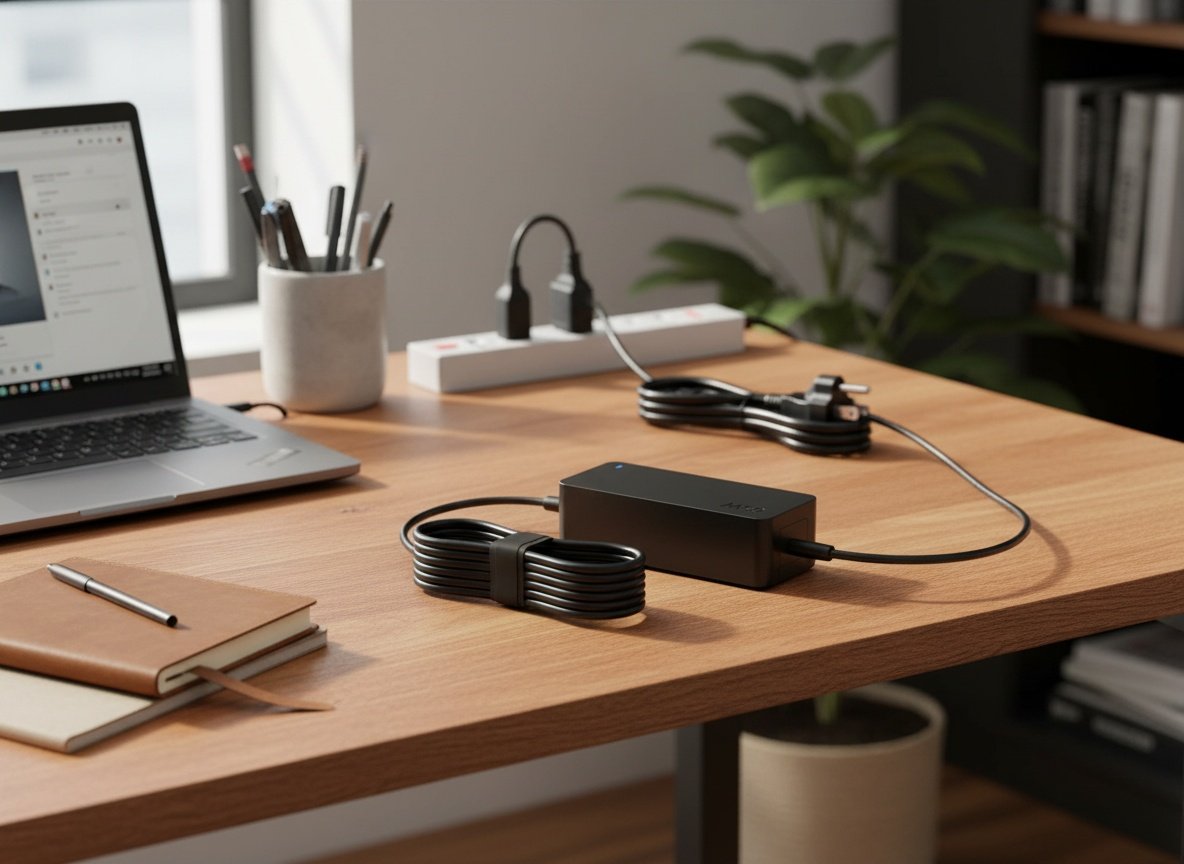
Treat it as a permanent bag charger, not a rotation swap with your desk unit. Buy it once, zip it into your laptop bag, and never think about it again, until the day you’re at a client’s office at 8% battery and it saves you.
Pros
- USB-C end goes right in and fits the ThinkPad without any problem
- Full 65W output, same 20V 3.25A the original delivers
- No setup, no app, just plug in and charge
- Cost effective compared to the Lenovo original
- Small enough to live permanently in a computer bag
Cons
- It’s a third-party brick, not the Lenovo-branded original
- Only works with Lenovo laptops that charge over USB-C
- Not enough wattage for power-hungry workstation laptops
Frequently Asked Questions
Does this USB laptop charger work with non-Lenovo laptops?
It’s built for Lenovo laptops with a USB-C charging port, but USB-C Power Delivery is a standard. Many other USB-C laptops will accept a 65W charger, though I can only speak to it working on my ThinkPad. Check your laptop’s charging spec before relying on it for another brand.
Do I need an app or account to use it?
No. There’s no app, no account, and no subscription. It’s a plain power adapter. You plug the cable into the brick, the brick into the wall, and the USB-C end into your laptop.
Is there a warranty?
Yes, Superer lists a 24-month manufacturer warranty. That’s a big reason I felt fine going third party instead of paying full price for the branded Lenovo unit.
Will it charge as fast as the original Lenovo charger?
It should, because it puts out the same 20V 3.25A 65W. Same spec, same charging speed on my ThinkPad. I didn’t notice any difference from a stock charger in normal use.
Can I use it on a 45W Lenovo laptop?
Yes. Superer lists it as fitting both 65W and 45W Lenovo USB-C laptops. A lower-draw machine simply pulls less power, so a 65W charger has headroom to spare.
Does it work internationally?
The brick takes 100-240V input, so it handles most mains voltages worldwide. You’d just need the right plug adapter for the wall socket in whatever country you’re in.
What if my ThinkPad uses a barrel plug, not USB-C?
This one won’t fit. It’s a USB-C connector only. If your Lenovo charges through the older rectangular or round barrel plug, you’ll need a different adapter designed for that port.
Is it safe to leave plugged in?
Superer states it meets recognized electronic safety standards. I’ve used mine as a regular travel charger without issue, but like any adapter I unplug it when I’m not around for a while, just out of habit.
Get it now
Superer 65W USB C Laptop Charger
Get the best price on Amazon →This post contains affiliate links. I may earn a commission at no extra cost to you.
🛍️ Shop everything in this video
Every product mentioned, in one place — these are affiliate links, so I may earn a small commission at no extra cost to you.
🛍️ Superer 65W/45W USB C Laptop Charger for Lenovo ThinkPad — check price on Amazon →